MostriX
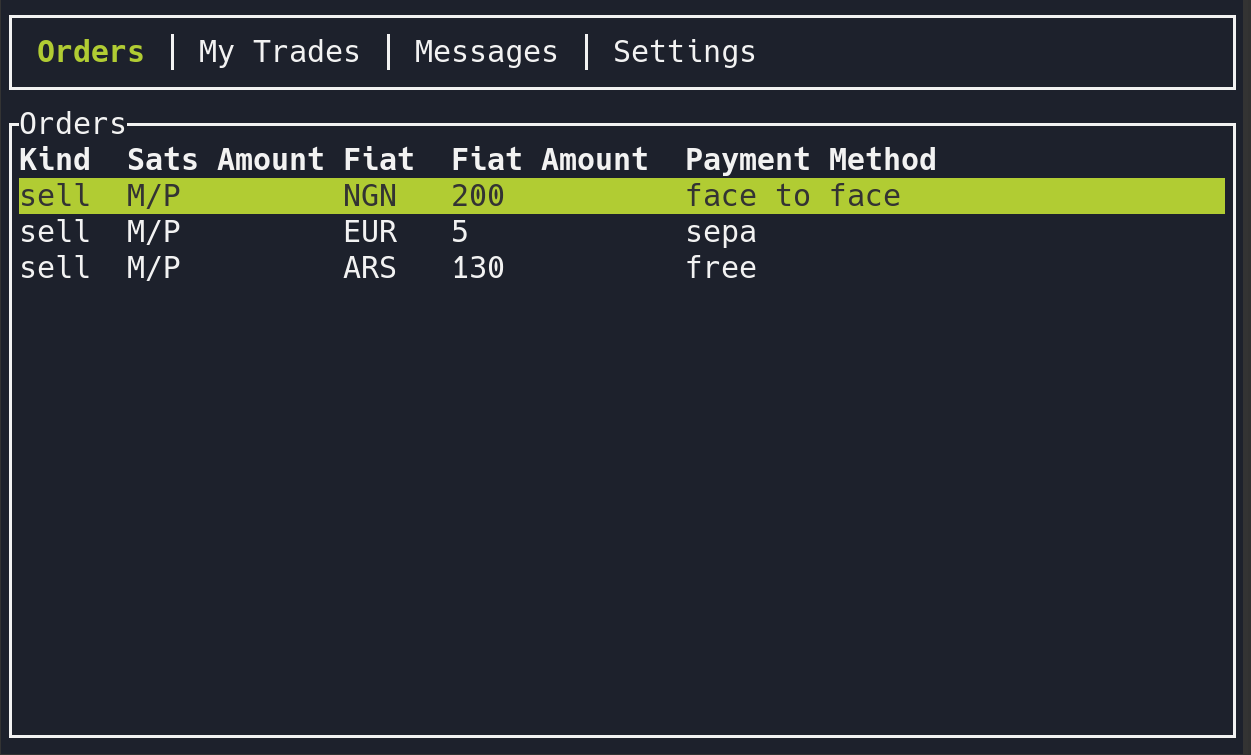
MostriX is a Mostro client with a TUI (Terminal User Interface). It has two modes:
- User mode, to trade: order book with filters and sorting, create and take orders, chat with your counterparty, cooperative cancellation, rating, and disputes with the solver.
- Admin mode, for dispute solvers and node operators: take disputes, chat with both parties, settle or cancel, slash anti-abuse bonds and register solvers.
Note: MostriX is still evolving. If you find a bug, please report it.
Installation
Pre-built binaries for Linux, macOS, FreeBSD and Windows are available on GitHub Releases. Releases are signed: import the maintainers' keys from the repository's keys/ folder, check manifest.txt with gpg --verify manifest.txt.sig.arkanoider manifest.txt, and then the binary's hash:
sed 's#  artifact-[^/]*/#  #' manifest.txt | sha256sum -c --ignore-missing
# macOS: replace sha256sum -c with shasum -a 256 -c
Or build it from source (requires Rust 1.97 or newer):
git clone https://github.com/MostroP2P/mostrix.git
cd mostrix
cargo run --release
Features
- Order book with filters and sorting
- Create buy and sell orders, including range orders and full privacy orders
- Take orders (buy and sell), with your Lightning address
- Confirm fiat sent and release sats
- Add a new invoice if a payment fails
- End-to-end encrypted chat with your counterparty, with file attachments
- Cooperative cancellation and rating
- Open a dispute and chat with the solver; share the trade's chat key with them
- Your own reputation on the status bar
- Restore your session from the node
- Automatic 12-word seed generation and key management according to the Mostro protocol
- Admin mode for solvers: take disputes, chat with both parties, settle, cancel and slash bonds, read the reports of Serbero, and receive Telegram alerts through mostro-watchdog
MostriX speaks only Mostro protocol v2 (since version 0.3.1). It does not yet support importing your reputation.
Configuration
On first run, MostriX creates ~/.mostrix/ with your new 12-word seed and a settings.toml file, and shows you the 12 words: write them down. Most options can be changed from the Settings tab (press Shift+H there for help on each one).
Main parameters of settings.toml:
mostro_pubkey: public key of the Mostro node (or Settings → Select Mostro Instance)nsec_privkey: your trader identity, derived from the seed; don't edit itrelays: list of relays to connect tocurrencies_filter: currencies to show; empty shows alluser_mode:useroradmin(or Settings → Switch Mode)ln_address: your Lightning addressadmin_privkey: for solvers, the key registered as solver on the node; for the node operator, the Mostro daemon's own private key (the one behindmostro_pubkey), which is needed to add solvers
Use the arrow keys to move between tabs, Ctrl+H for context help, and the Exit tab to quit.
More Information
MostriX is a FOSS project. You can visit its GitHub repository to learn more about its development, report bugs, or propose improvements. Node operators can find more about its admin mode in the guide to running a Mostro node.